 Social Media Engine Help
Read the failed channel’s status and reason before retrying. Check the platform when you are unsure whether the post was published.
Read the status and reason
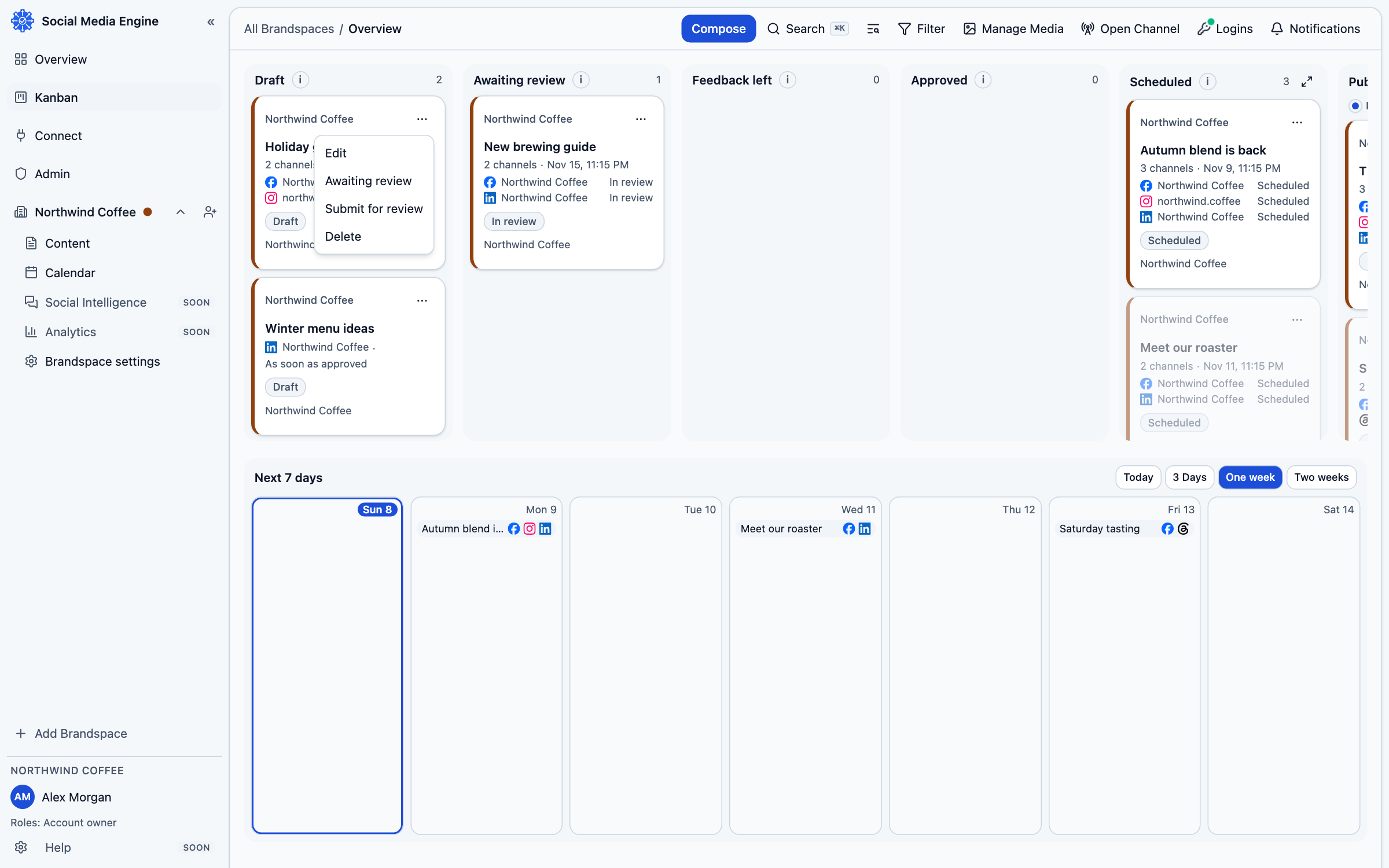
Open the card in Kanban and read the failed channel’s message. A login may have expired or been refused, the platform may have declined the content, or a temporary problem may have interrupted the attempt. The card may offer Retry or a reconnect action. First identify whether the platform actually published the post.
- Open Kanban and find the card in Needs attention.
- Open the card and read the reason shown for the channel.
- If access is lost, follow When a login stops working.
- If content was refused, correct the copy or media in Compose and review the channel requirements.
- Check the platform itself before retrying if the result is uncertain.
Retry with care
A normal failed attempt may offer Retry. If SME cannot tell whether the post already went out, it asks you to confirm it was not published before trying again. Check the live destination using the channel’s own account.