 Social Media Engine Help
Connect a login to access platform destinations, then select a destination as a channel. Use this distinction when setting up where a brand can publish.
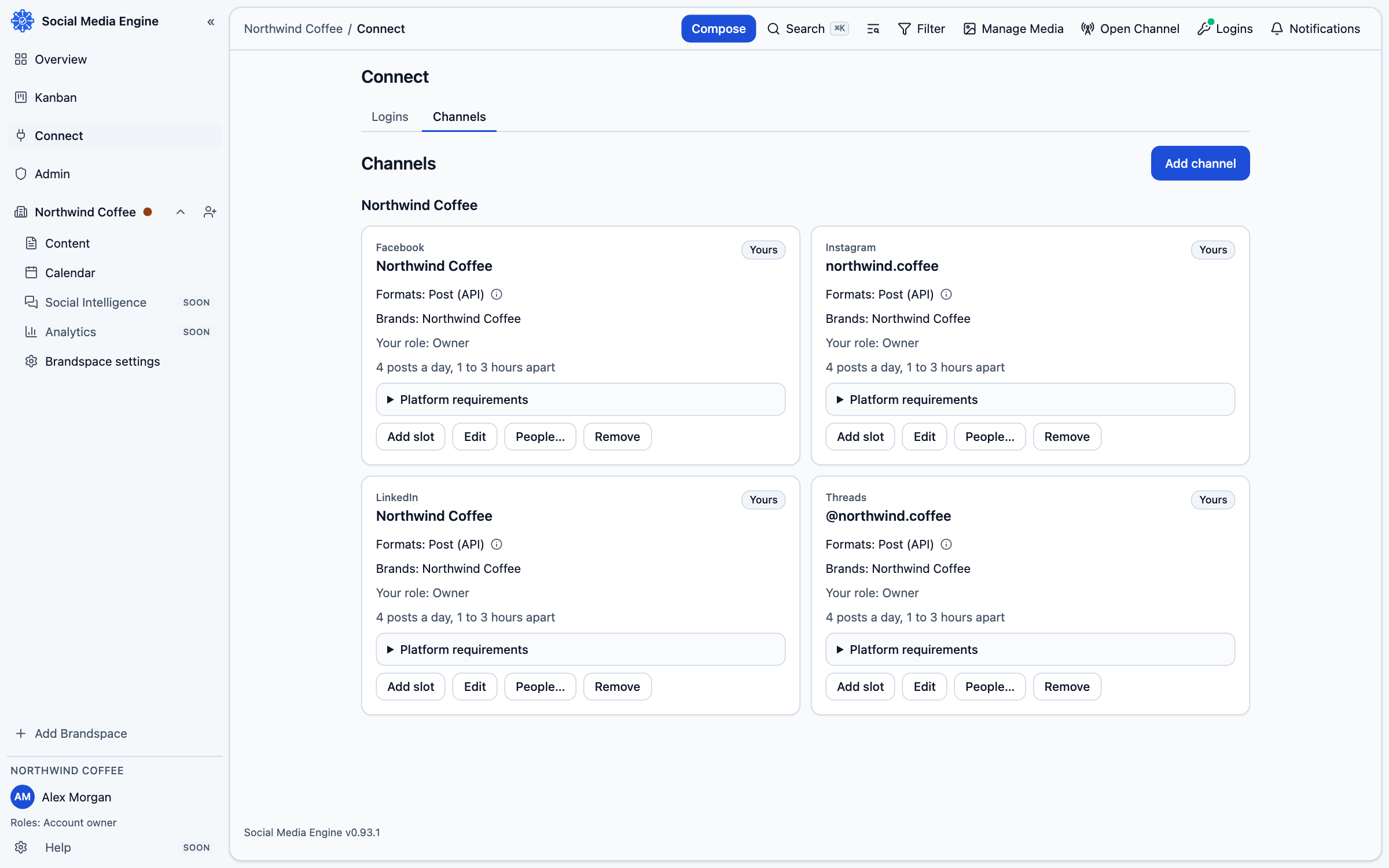
Connect a login first
Your login is personal to you and grants SME access on a platform. It can expose several Pages or profiles you are allowed to manage. A channel is one of those destinations after you choose it and associate it with a brand. your brand might connect a person’s Facebook login, then select the your brand Facebook Page as a channel.
Add a destination to a brand
- Open Connect, then Logins, and connect the required platform sign-in.
- Open Connect, then Channels.
- Under Where to post, select the destinations you want to add.
- Assign each selected destination to the brand that should publish there.
- Confirm the channel appears under that brand before composing.