 Social Media Engine Help
Set a date and time in the brand’s time zone, then approve the post. Use this when the post should go out later.
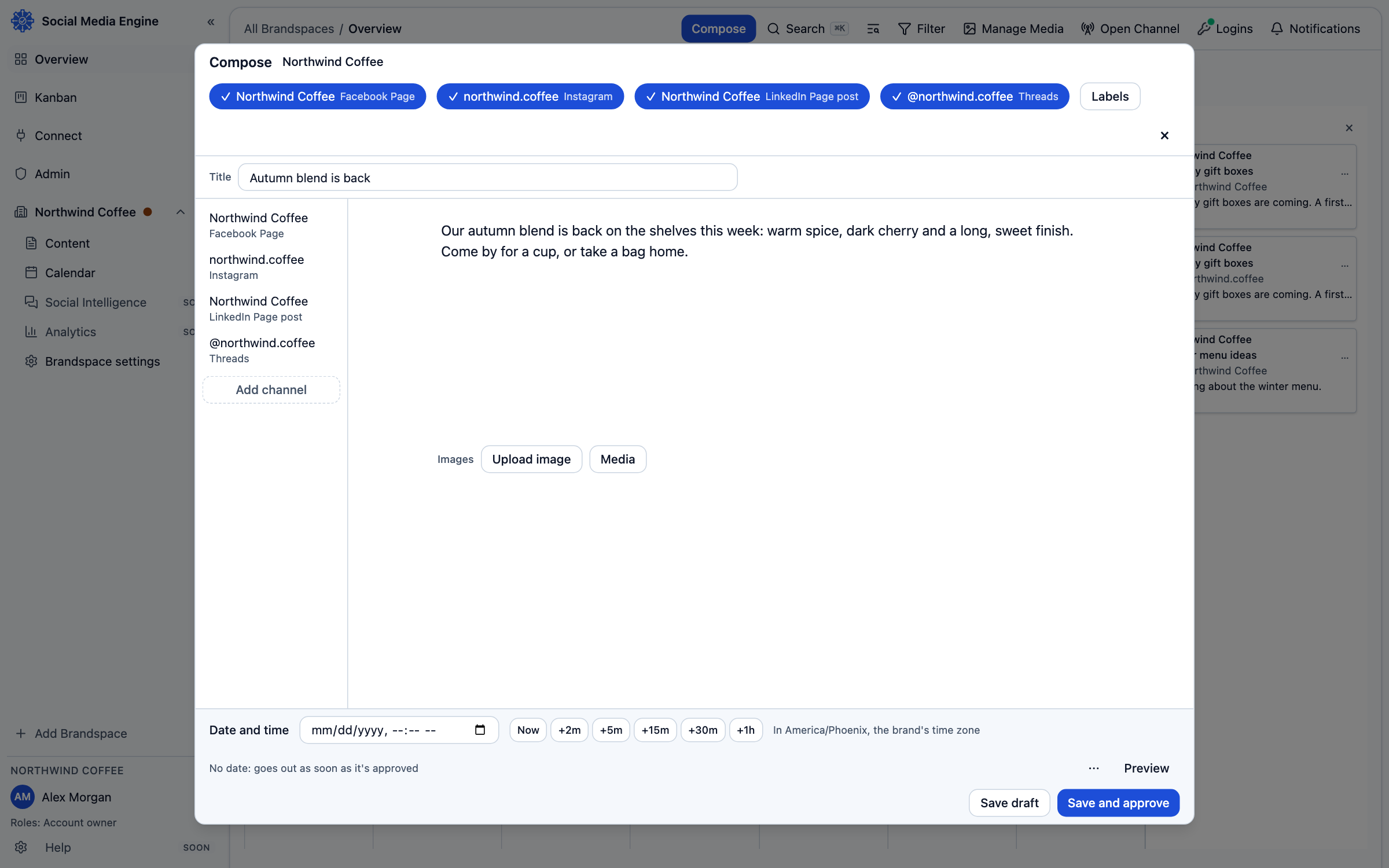
Set a date and time
The date and time shown in Compose use the brand’s time zone. A post can also be approved without a pinned time; SME then uses an available posting slot when one applies. If you choose a time, check the displayed local time carefully before saving. A date alone does not approve or publish a draft.
- Open Compose for the post.
- Check that the correct brand and channels are selected.
- Set Date and time in the displayed brand time zone.
- Review the preview and channel versions.
- Choose Save and approve if you can approve, or Save and send for review if another person must approve.
Follow the post after saving
An approved post with a time appears as scheduled. Use Calendar to see it on its date or Kanban to see its status. If the chosen day has no usable space, the card can explain why it has not received a time yet. A scheduled post is sent by SME when its time arrives for channels SME can publish to.