 Social Media Engine Help
Choose the guide that matches the screen or issue you are working on. These links cover setup, posts, scheduling, people and media.
Find the right guide
If you are new, begin with Getting started. If a platform is not connected, read Connect a login; if the sign-in works but the destination is missing, read Add a channel. For writing, start with Compose a post, then check Versions for each channel and Why a channel is marked.
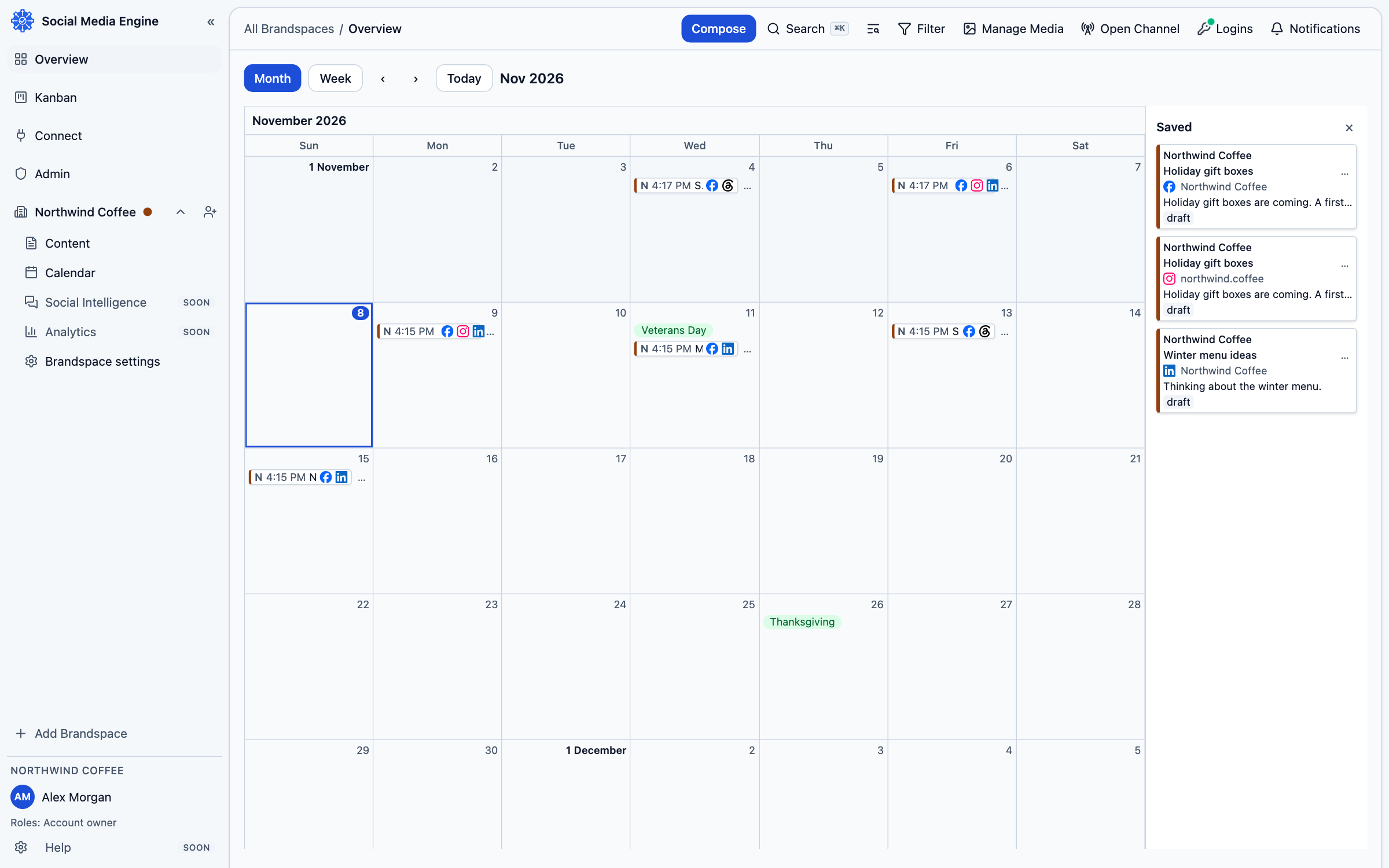
For planning dates, use Schedule a post and The calendar and overview. For people, read People and roles. For files, see Media library and Storage.
Check the screen before repeating an action
SME often shows a reason next to the item that needs attention. Read the full message before repeating a connection, upload, approval or publish attempt. A card may have changed state while another person was working.
- Reopen the page and confirm the current status.
- Follow the matching guide linked above.
- If a post needs attention, check whether it already appeared on the platform before retrying.