 Social Media Engine Help
Choose a destination your connected login can access, then assign it to the brand that will publish there. Do this after connecting the platform login.
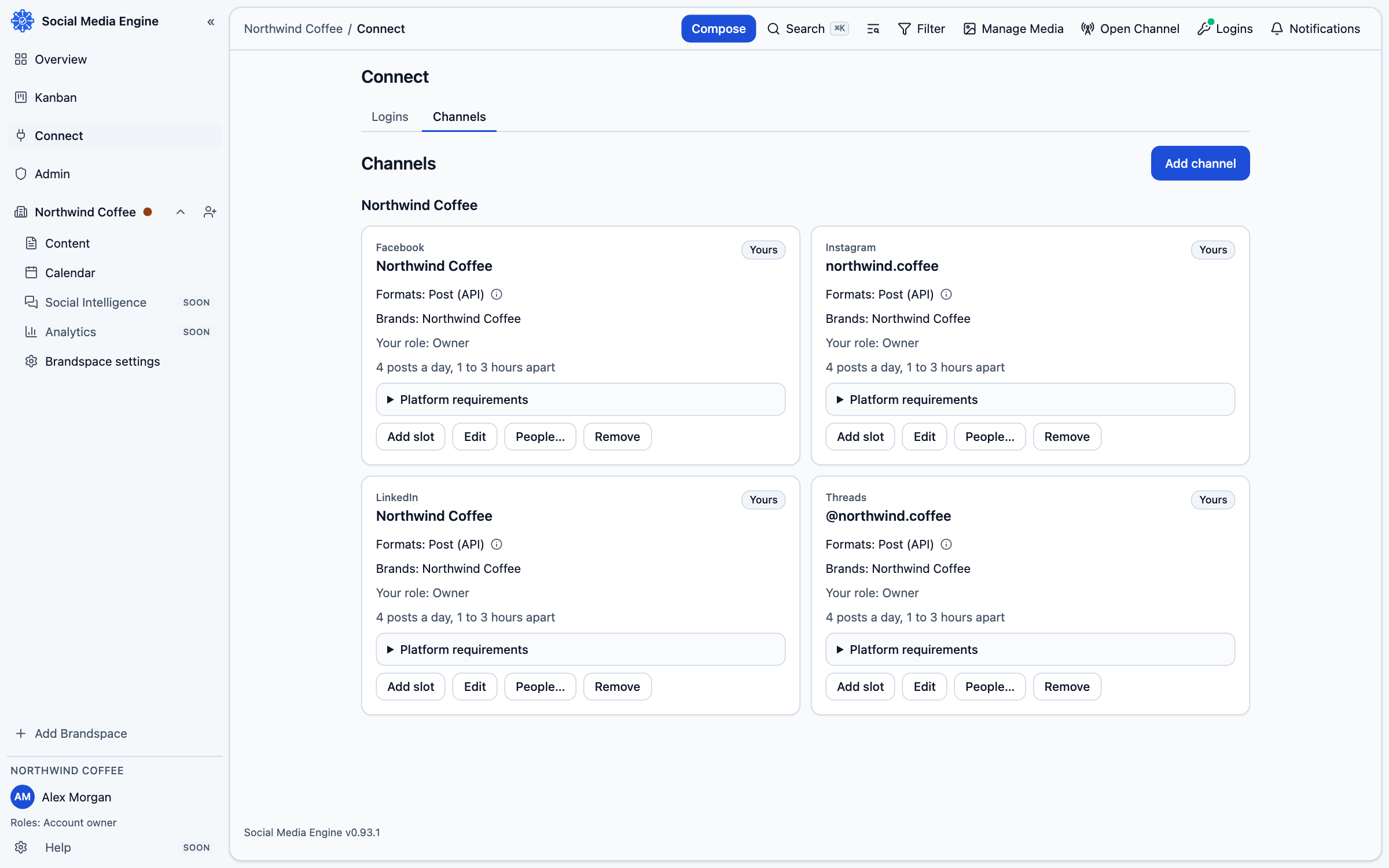
Choose a destination
A channel is a Page, profile or other destination that SME can publish to. A connected login can expose more than one destination. The channel is associated with a brand so Compose can offer it for the correct posts. You can connect a login and still have no channels selected.
- Open Connect, then Channels.
- Find Where to post and review the destinations available from your logins.
- Select each destination your brand should use.
- Assign your brand to the selected channel.
- Save the selection and confirm the channel appears in the brand’s channel list.
Confirm where it will publish
The brand association matters: Compose writes for one brand and shows only channels suitable for that brand. If the wrong brand owns the channel, correct the assignment in Channels before creating a post. For platform-specific account types, read Facebook, Instagram, Threads or LinkedIn.