 Social Media Engine Help
Open Manage Media to browse and organise files for a Brandspace. Use this page when you need to find an existing image or check storage.
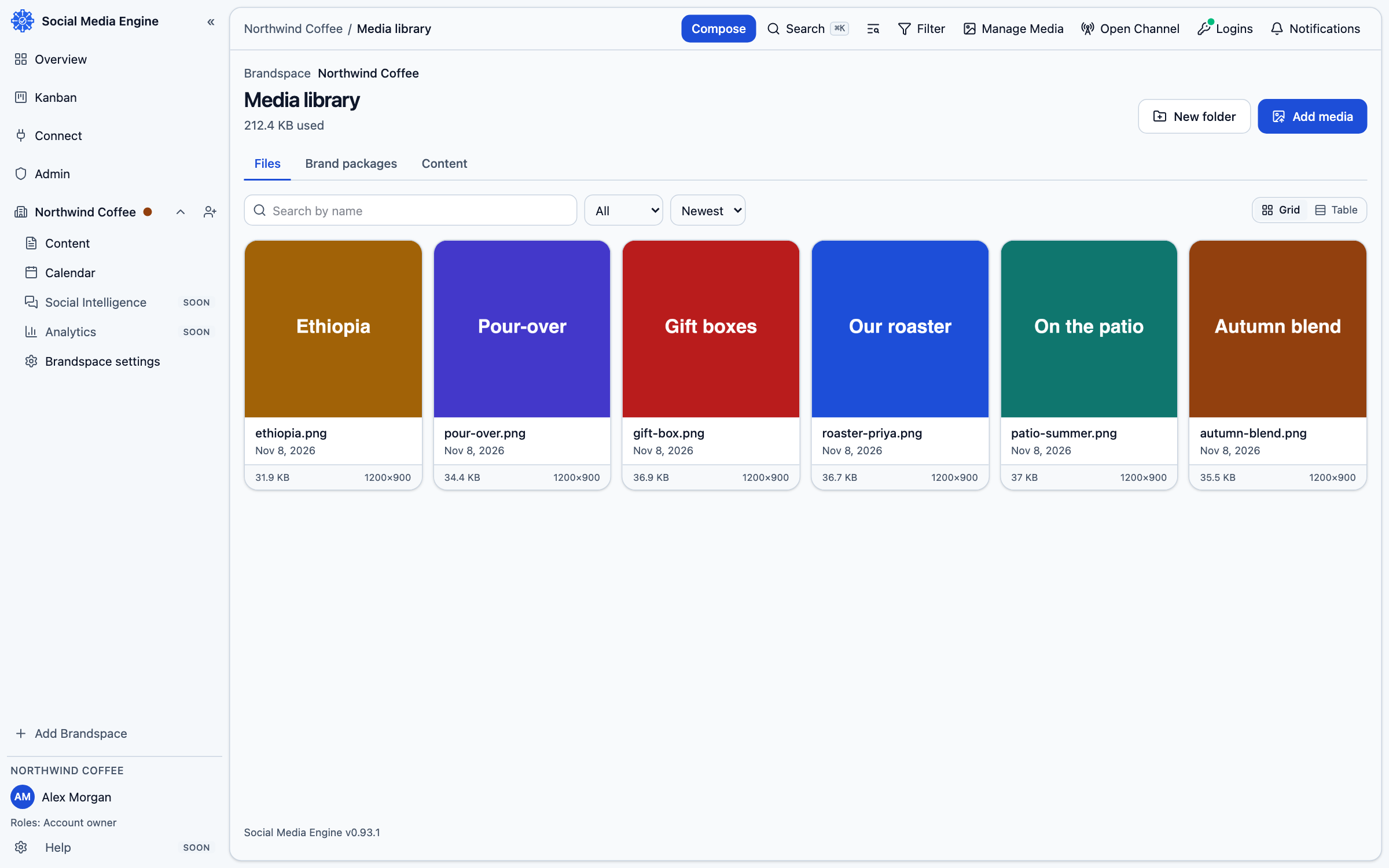
Browse the library
The Media page shows a Brandspace’s files as cards and can display folders. Choose the Brandspace at the top of the page to change which library is shown; this does not switch the Brandspace for other SME pages. Search by name, sort the list, and open Details to inspect a file. The library can store pictures and video, including video SME cannot post yet.
- Choose Manage Media from the top rail.
- Select the Brandspace whose library you want to see.
- Use Search media, Sort or the folder controls to find items.
- Choose Details to see information such as name, type, size and where used.
- Create or rename a folder when you need to group related files.
Add and organise files
Choose Add media or drop files onto the page. Several files can upload at once, with progress shown per file. You can move a file into a folder or move it back to the top. Removing a folder moves its files to the top rather than deleting them.