 Social Media Engine Help
Check Account storage use on the Media page before uploading files. SME counts media across the Account’s Brandspaces.
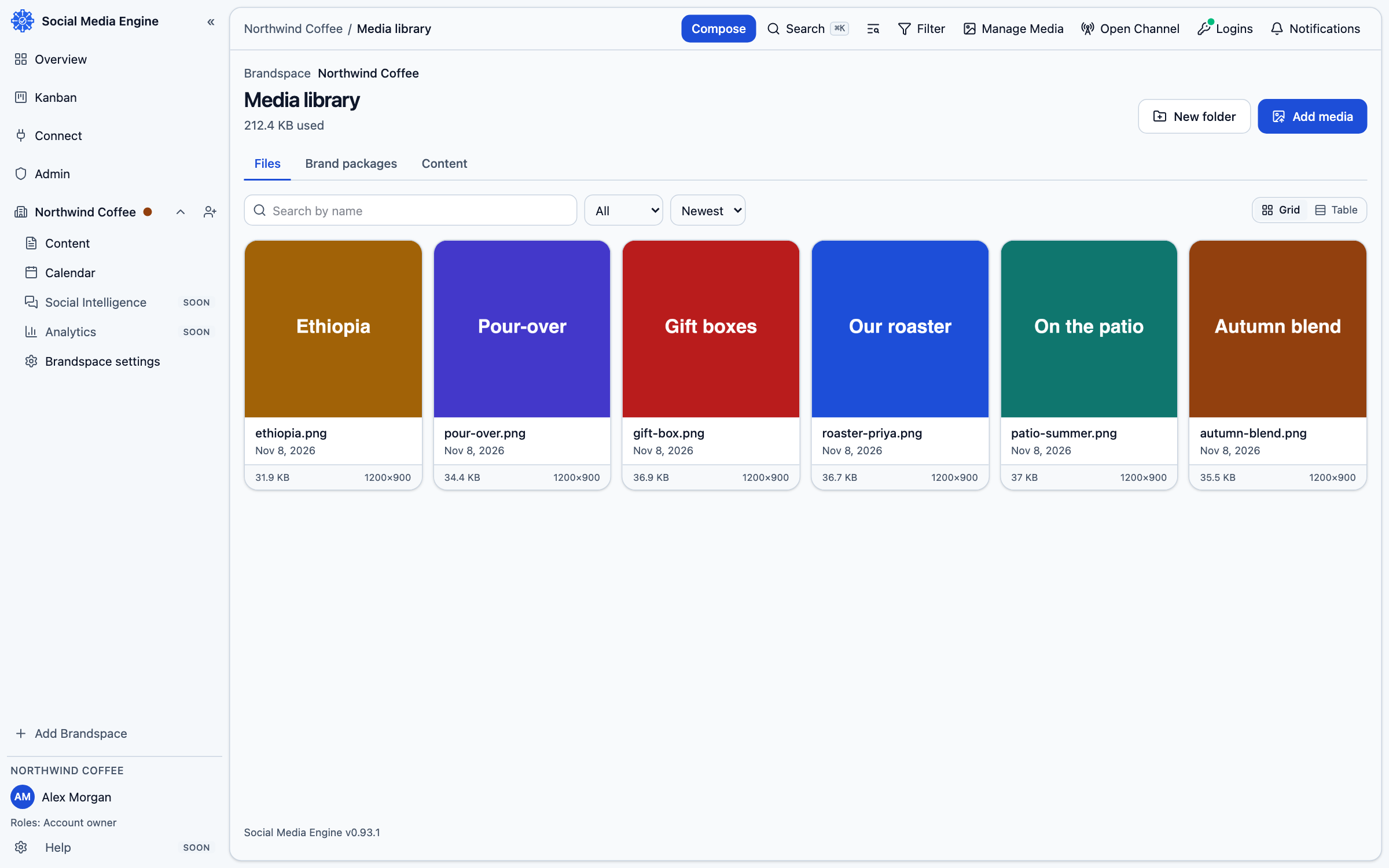
Check the account’s storage use
Storage is counted for the whole Account across its Brandspaces, and picture thumbnails are included. The current limits recorded for accounts are 100 MB for a trial, 1 GB for Solo and 3 GB for Team. A customer Enterprise account uses the limit set for its contract. The Media page shows storage use against the account limit.
- Open Manage Media.
- Look for Storage used and compare the amount used with the shown limit.
- Remember that files in different Brandspaces under the same Account contribute to the same total.
What happens at the limit
SME refuses an upload before storing it if that upload would take the Account beyond its included storage and any additional storage assigned to it. The message explains how much storage the Account has and how to get more. The product screens do not provide a checkout flow for storage; do not promise that you can buy more inside SME.
Common questions
What happens when I run out of room?
SME refuses an upload that would exceed the Account’s available storage. Remove media you no longer need or contact your account administrator about the storage allowance.