 Social Media Engine Help
Set up your Brandspace and channels, then prepare and follow posts. Start here when you are new to SME or looking for the right guide.
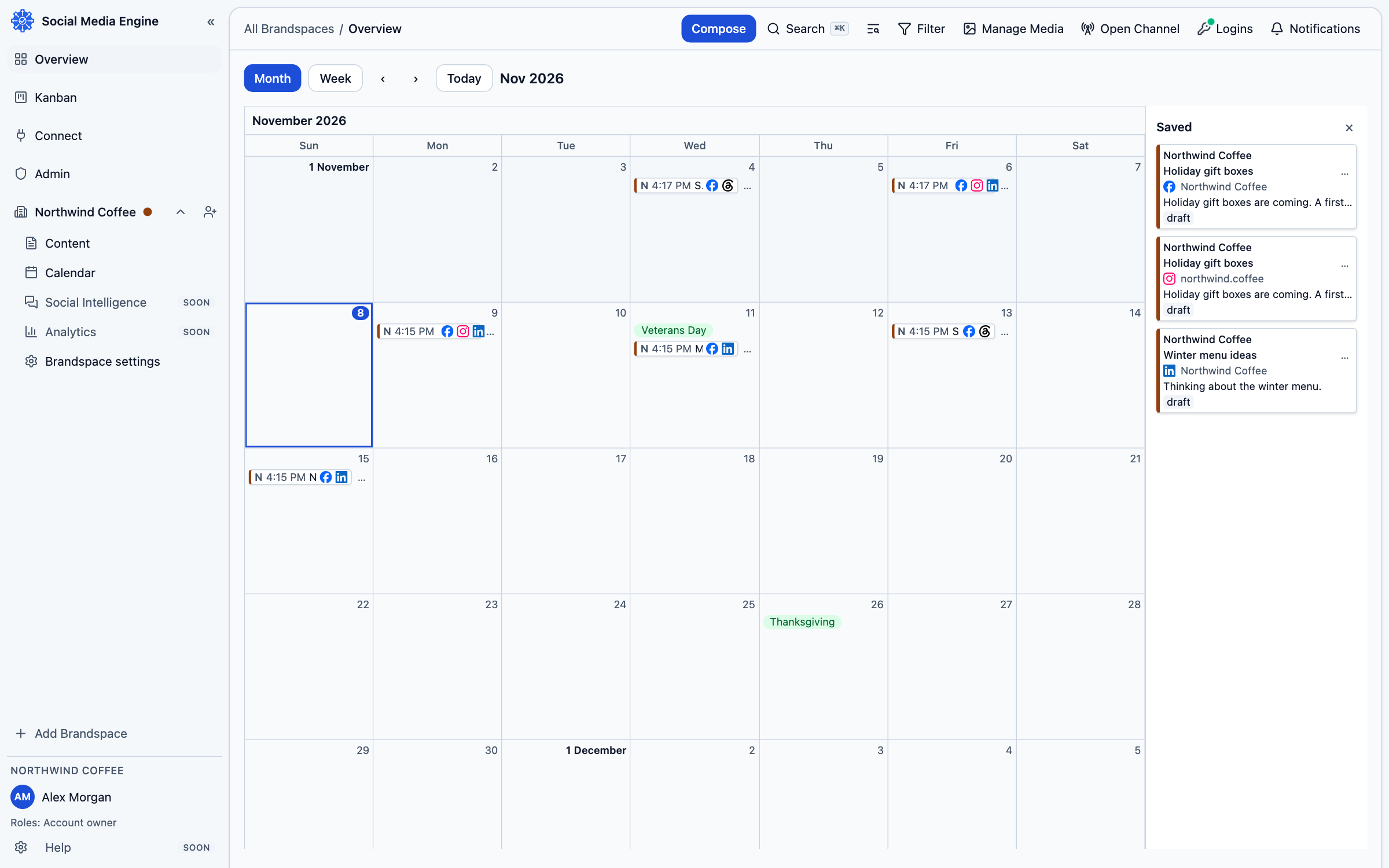
What SME does
SME keeps your brands, channels, posts, review work and media together. You write a post, choose where it should appear and decide when it should go out. You can save work as a draft, send it for review or approve it when your role allows. The app shows each channel’s progress so you can see what still needs attention.
Example: a coffee business could use one Brandspace, a brand and a Facebook Page. This example shows how the screens fit together; use your own business details in SME.
Where to begin
Start with Getting started if you have not set up anything. If the Brandspace and brand already exist, read Connect a login, then Add a channel. After that, Compose a post explains writing and saving. You can return to the calendar and overview to see dates, or use the Kanban to follow review and publishing progress.
- Open a page from the help categories.
- Follow its numbered steps in SME, checking the screen labels as you go.
- Use links in a page to move to the next related task.