 Social Media Engine Help
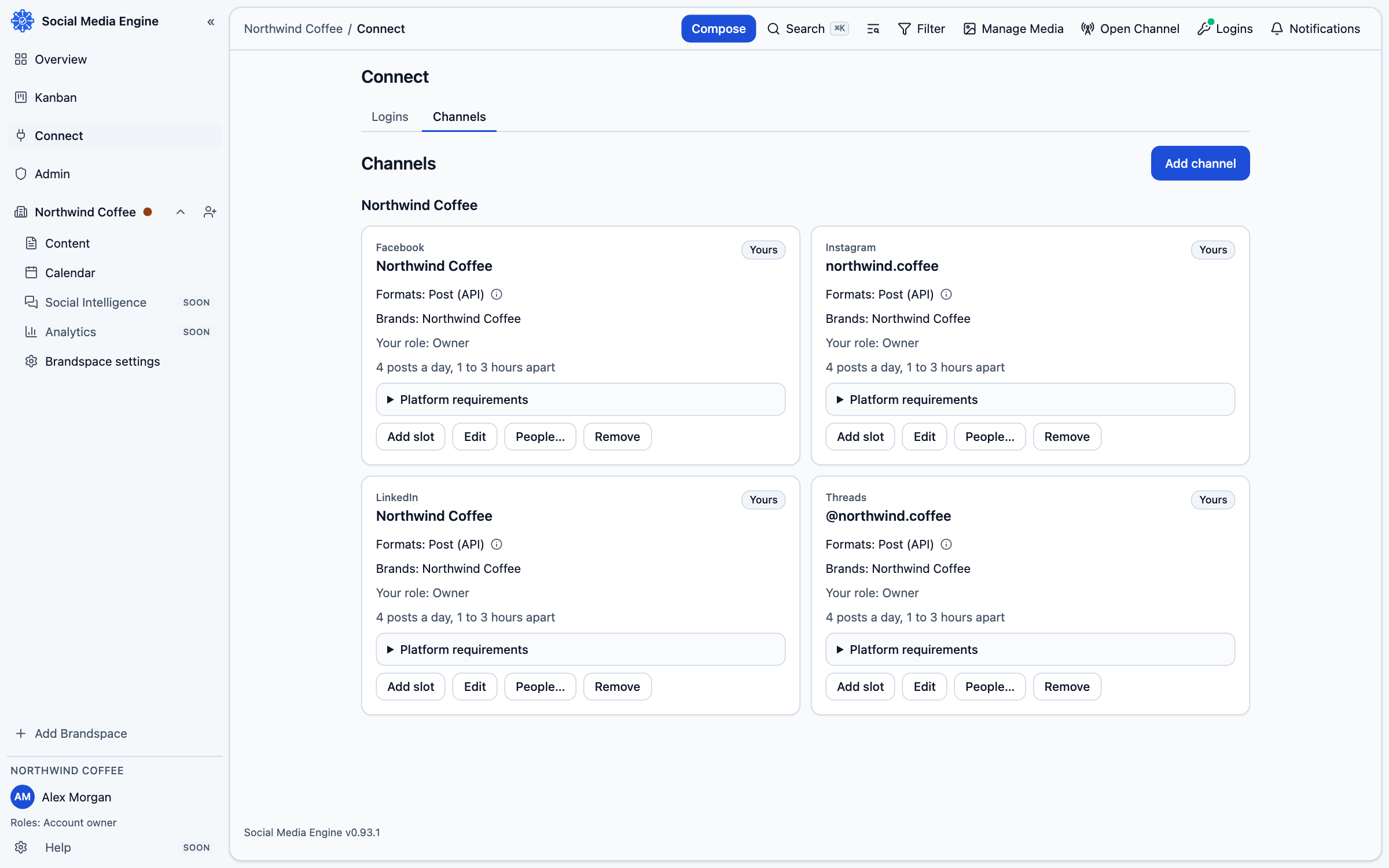
Connect the LinkedIn account with access to the intended destination, then select that destination as a channel. Check its post requirements before composing.
Check the account and post limits
LinkedIn posts support plain text and images; the text limit is 3,000 characters. Posts are plain text with line breaks; native bold, italics, headings and lists are not supported. Images can be JPEG, PNG or GIF, up to 5 MB each. The profile catalog entry allows up to nine images; a Page image-count ceiling is not set in the catalog.
Connect the right account
Connect as a person. That sign-in can make your own profile and any LinkedIn Pages where you have an administrator or content role available. SME asks you to sign in on the platform’s own page and approve the requested access. Your password is not entered into SME.
Add LinkedIn to SME
- Open Connect, then Logins.
- Choose Add a login, then select LinkedIn.
- Complete the platform’s sign-in and permission screen.
- Return to SME and open Connect, then Channels.
- Select the person under Where to post, assign it to your brand and save the selection.
- In Compose, choose the channel and check the preview and any warning before saving.